![Grammar and Dictionary of the Yoruba Language [PDF] 246 Pages](https://www.abibitumi.com/wp-content/uploads/cm/bowengrammardictionary1.jpg) Grammar and Dictionary of the Yoruba Language [PDF] 246 Pages
Grammar and Dictionary of the Yoruba Language [PDF] 246 Pages 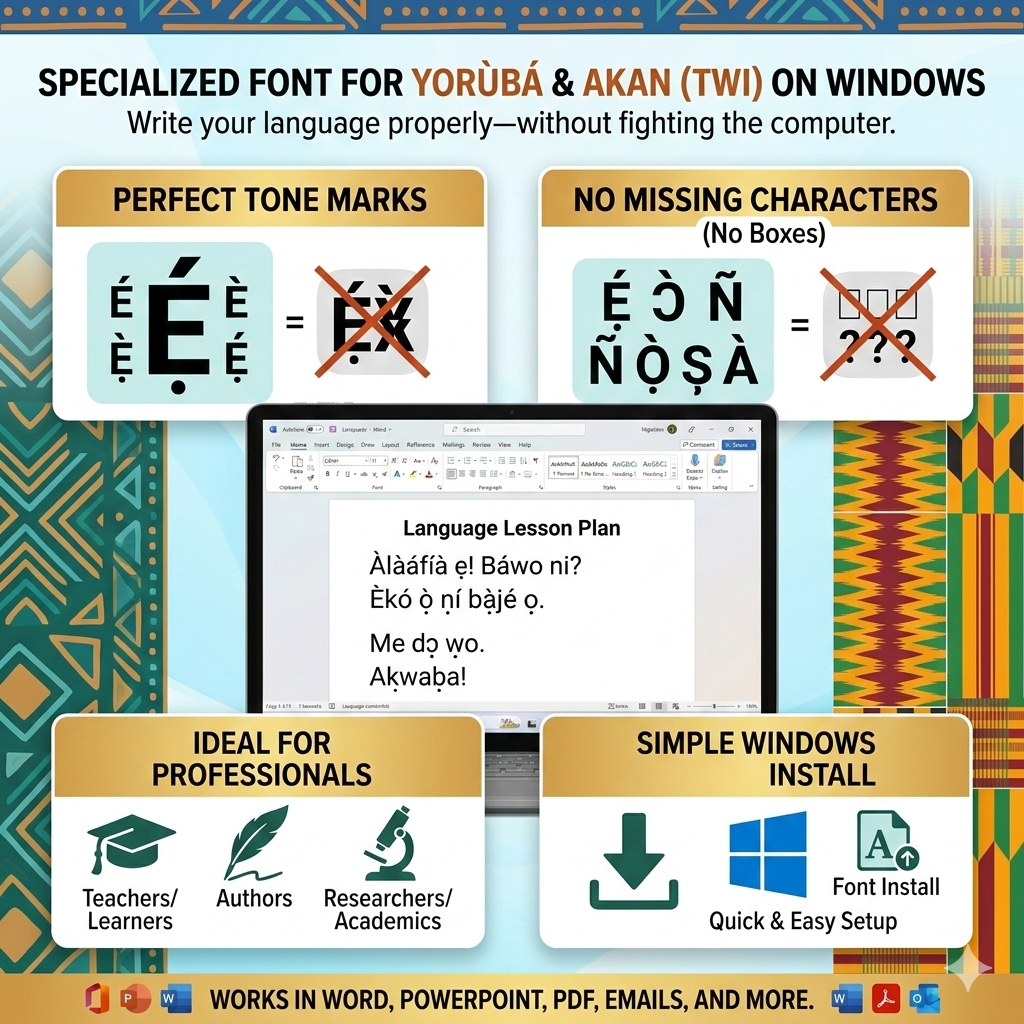
Description
Yoruba or Akan (Twi) Font for Windows PC
Write Yorùbá and Akan (Twi) properly on your Windows computer—without fighting autocorrect, missing tone marks, or awkward copy-and-paste workarounds.
This digital font package is designed for people who teach, learn, research, publish, and communicate in Yorùbá or Twi, and want their writing to look correct and professional everywhere it appears: documents, PDFs, presentations, flyers, lesson plans, academic articles, emails, and more.
What this font helps you do
-
Type tone marks and diacritics cleanly (no broken characters or weird spacing).
-
Produce professional-looking Yorùbá and Twi text for school, work, and publishing.
-
Avoid the common problem of “boxes,” “question marks,” or missing marks when you share files.
-
Create consistent formatting across Microsoft Word, PowerPoint, PDFs, and other Windows apps.
Perfect for
-
Teachers and students (lesson notes, worksheets, exams)
-
Authors and publishers (books, articles, manuscripts)
-
Researchers and academics (papers, citations, transcriptions)
-
Community organizers and cultural educators (flyers, programs, signage)
-
Anyone tired of writing Yorùbá or Twi “without the marks” because the computer makes it difficult
What you receive
-
A downloadable Windows-ready font package
-
Simple installation steps so you can start typing right away
-
A reliable option for producing readable, correct Yorùbá or Twi text across your projects
Why it matters
Tone marks and diacritics are not decoration—they carry meaning. Writing them correctly shows respect for the language and prevents misreading, especially in teaching, publishing, and formal communication.
Get the Yoruba or Akan (Twi) Font for Windows PC today and start writing your language the right way—every time.



Reviews
There are no reviews yet.